
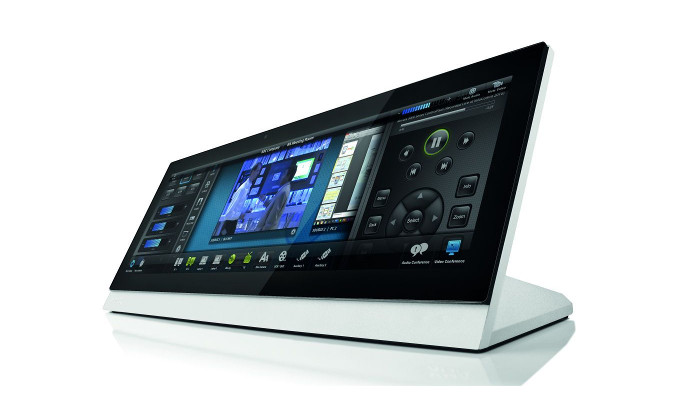
AMX has announced the release of a firmware update for AMX RoomBook and AMX Acendo Book Scheduling Touch Panels.
New features include:
- The maximum poll time is 3600 seconds (one hour)
- The minimum poll time for Microsoft Office365 is 45 seconds. The default poll time for Office365 is 45 seconds. Change the default minimum poll time for Office365 from 15 seconds to 45 seconds. This prevents throttling errors enforced by Microsoft
- The minimum poll time for Microsoft Exchange is 15 seconds. The default poll time for Microsoft Exchange is 15 seconds
Firmware Issues fixed:
- Resolved Google Calendar authentication error 403 “disallowed user agent”
- Resolved issue in Browse Rooms list where duplicate rooms are displayed, if devices in the group use the same Calendar ID but with different capitalisation (i.e. room@amx.com and Room@amx.com)
- Remove browser tabs from initial Google Calendar authentication setup
- Resolved user interface and application crash bugs
For more information regarding specific release notes, loading procedures, and known issues, please follow the link.